Print labels for groups
First you need to import the list of names to the VR Appliance. See this article for instructions on this process: Pre-register groups
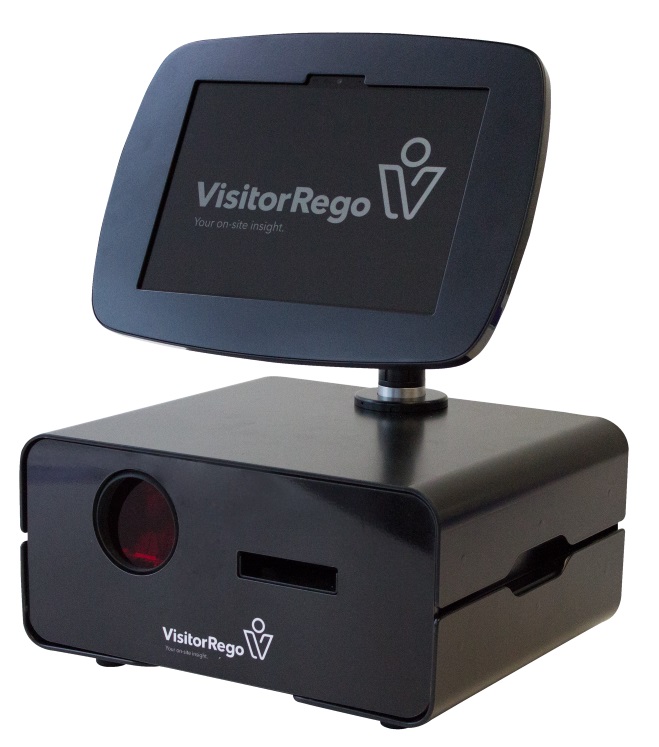
Go to the VR Appliance
Touch the Welcome screen to move through to the Self-Registration screen.
Touch Visitorrego.com in the top left hand corner to move into Admin Mode.
If this is password protected, enter the password into the Name field and touch Visitorrego.com
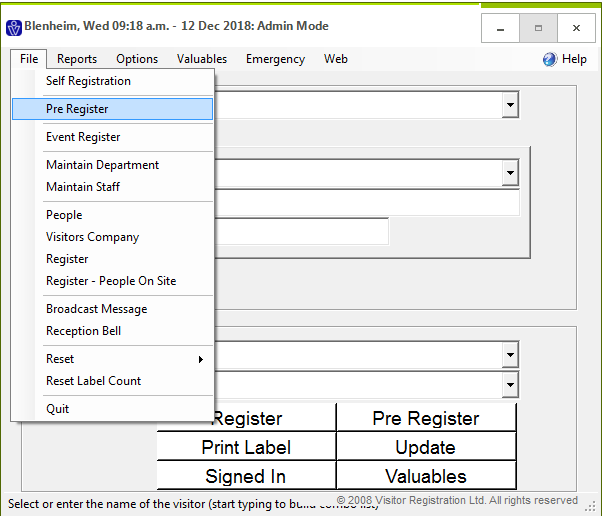
From the navigation bar select File
From the dropdown menu select Pre Register
From the dropdown menu select Pre Register
The names from the spreadsheet will be displayed. This is automatically downloaded overnight.
You can manually download these by clicking Sync with VRF.
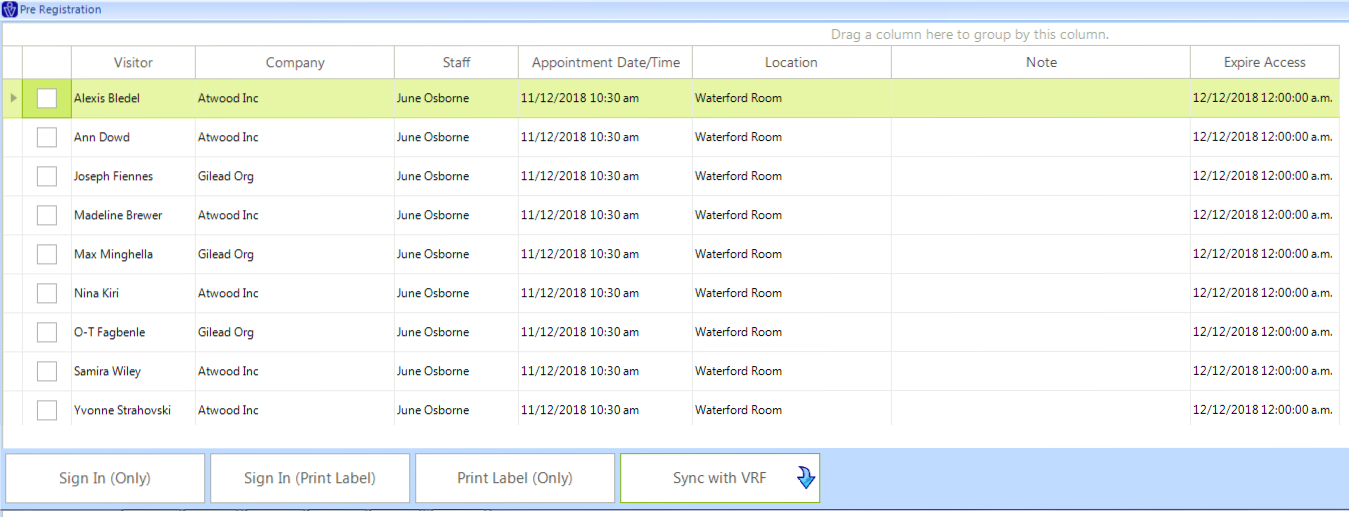
Select the name by ticking the box.
Select the action you wish to perform. This will apply to all names that are selected.
Sign In (Only)
This will register people at the time this is selected. No label is printed.
Sign In (Print Label)
This will register people at the time this is selected and a label is printed.
Print Label (Only)
A label is printed and the people are not registered. On arrival the people can select their pre-printed label and scan this to sign in.
Related Articles
Pre-register groups
To bulk pre-register visitors and print labels in advance, a spreadsheet is imported into VisitorRego from your PC or the VisitorRego unit itself. The first step is to obtain the spreadsheet template. Please contact the VisitorRego support team to ...Label Printer Setup (Pre V10)
This article applies to VisitorRego versions prior to V10. For information on label printer setup in V10 or higher, please refer to the knowledge base article Label Printer Setup. Label Printers are a common component of a VisitorRego system. ...Viewing Appointments (Pre V10)
This article applies to VisitorRego versions prior to V10. For information on appointments in V10 or higher, please refer to the knowledge base article Pre-Registration Overview. First you need to make the appointments in VisitorRego or using VR ...How To Make Appointments using VR Portal (Pre V10)
This article applies to VisitorRego versions prior to V10. For information on appointments in V10 or higher, please refer to the knowledge base article Pre-Registration Overview. The steps below show you how to enter details and make an appointment ...Low Label Email Notification (Pre V10)
This article applies to VisitorRego versions prior to V10. For information on low label email notifications in V10 or higher, please refer to the knowledge base article Low Label Email Notification. VisitorRego has the ability to send an email ...